 YERP
‹ All guides
Stash
Your outdoor life, saved.
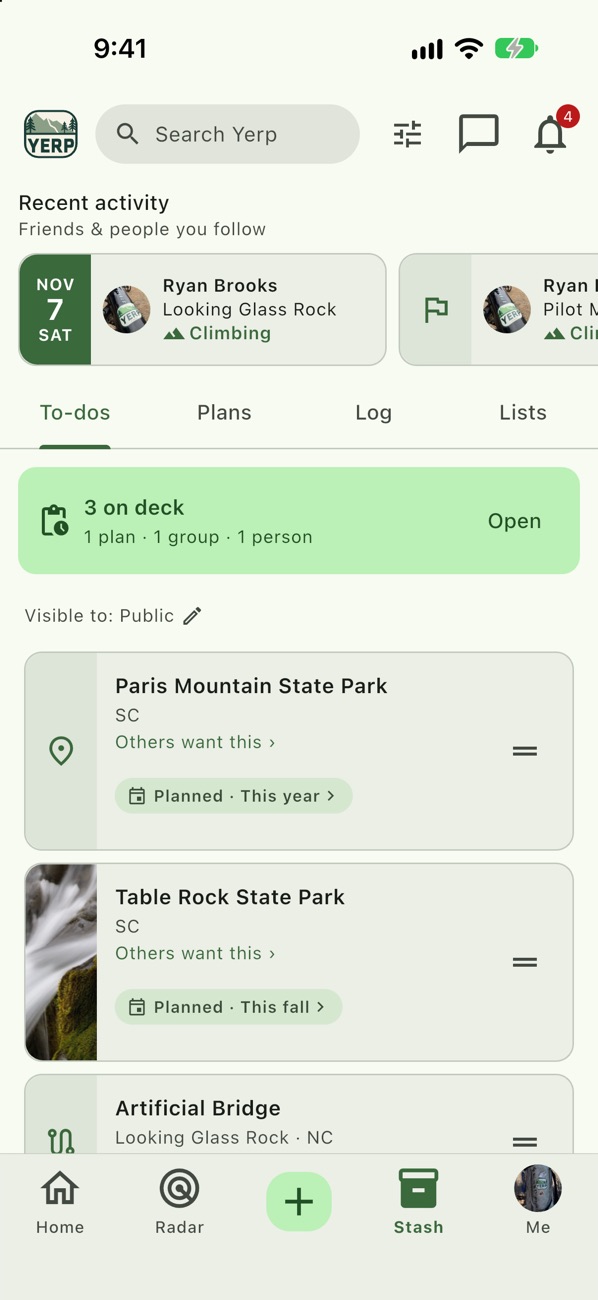
Stash has four tabs: To-dos, Plans, Log and Lists. Someday places, what's coming up, where you've been, and the lists you curate.
To-dos
Places you want to go someday. One tap adds a place.
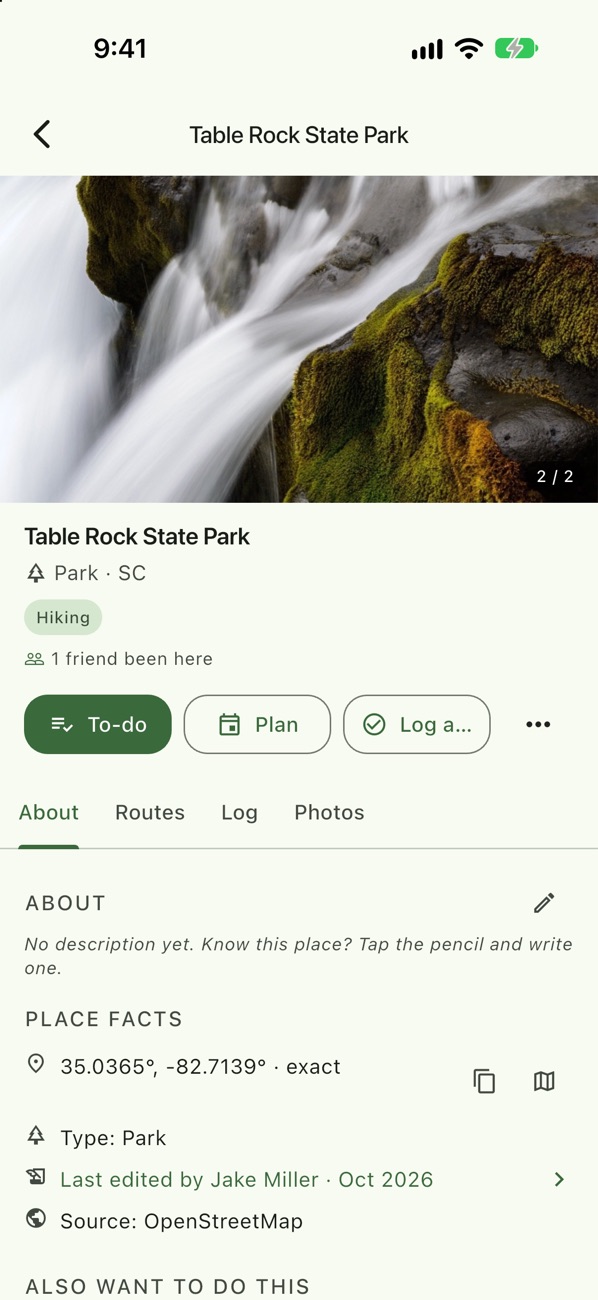
To-do, Plan or Log from a place
Every place page offers all three.
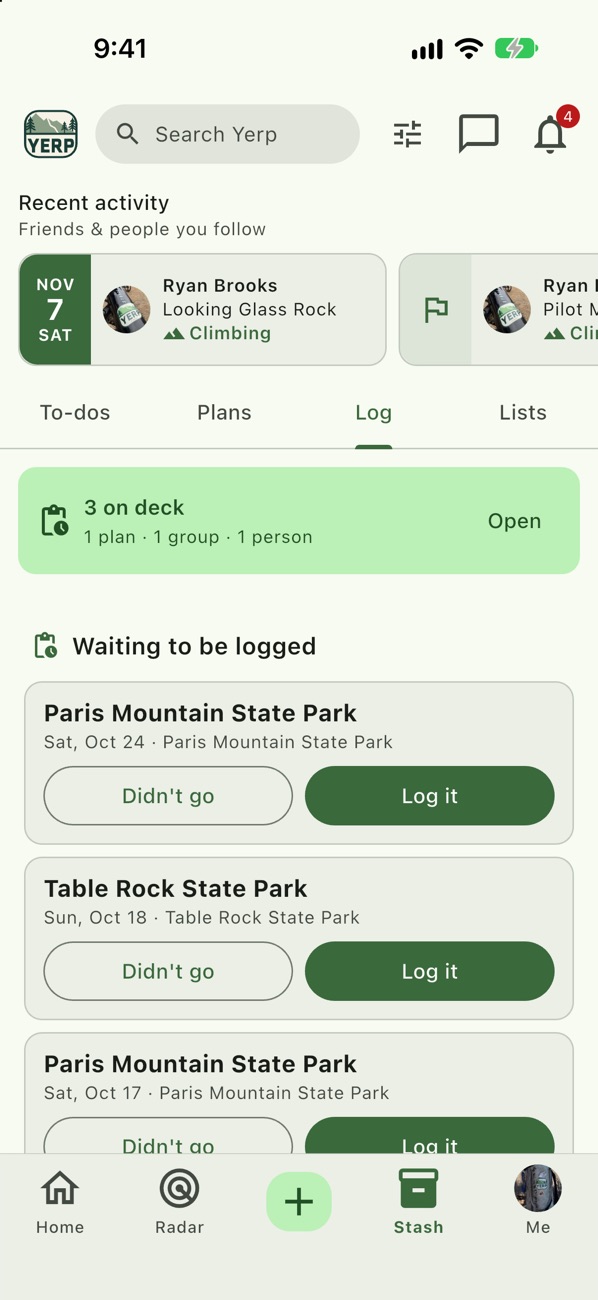
Log it after
Past plans wait under Waiting to be logged. Tap Log it or Didn't go.
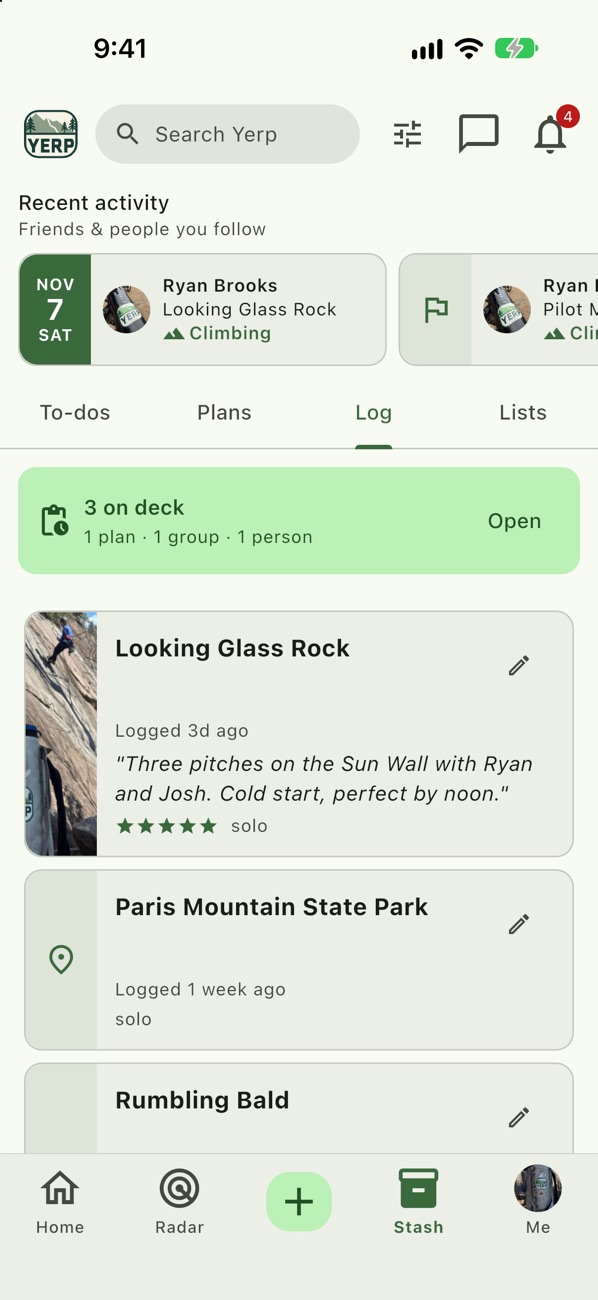
Your trip history
Log a visit with when, activity, an optional grade and 1 to 5 star rating, notes, and who you went with. Tagged friends confirm with "Yerp, I was there".
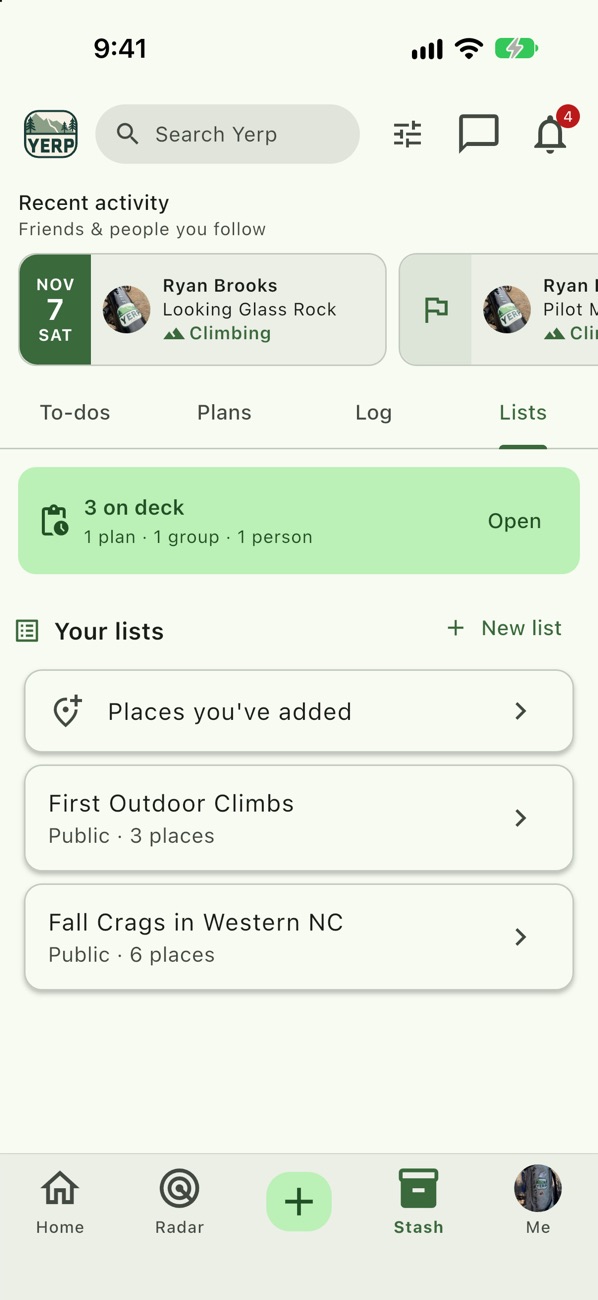
Lists
Curate collections of places. Choose who can see each list and add collaborators.
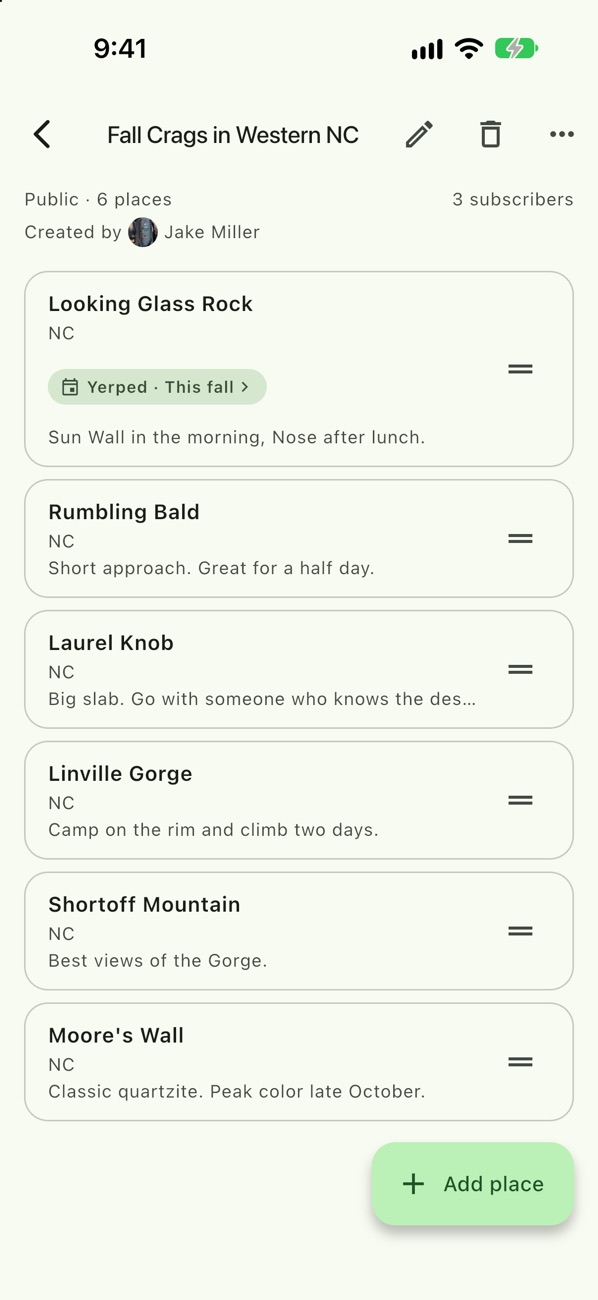
Notes on every stop
Add a note to each place on a list. Others can Subscribe to it or copy it.
Example
Matt logs a ride
- Matt Collins adds DuPont State Forest to his To-dos.
- He makes a plan there with Sarah Thompson for Saturday.
- On Sunday it shows under Waiting to be logged. He taps Log it, gives it 5 stars, and tags Sarah.
- Sarah gets a prompt and taps "Yerp, I was there".
Good to know
- Long-press any row. Every Stash row has its actions on a long-press.
- Reorder To-dos. Drag the grip to reorder. Clear filters first.
- Pin up to 3 lists. Keep your favorites on top.
- Copy a friend's list. Add every place to your To-dos in one go.
- You control who sees it. Set To-dos and Log visibility in Settings › Privacy: Public, Friends and people you follow, Friends, or Only me.