 YERP
‹ All guides
Profiles and friends
Your people, your story.
Friends go both ways. Following goes one way. Profiles show the trips you've hosted and joined.
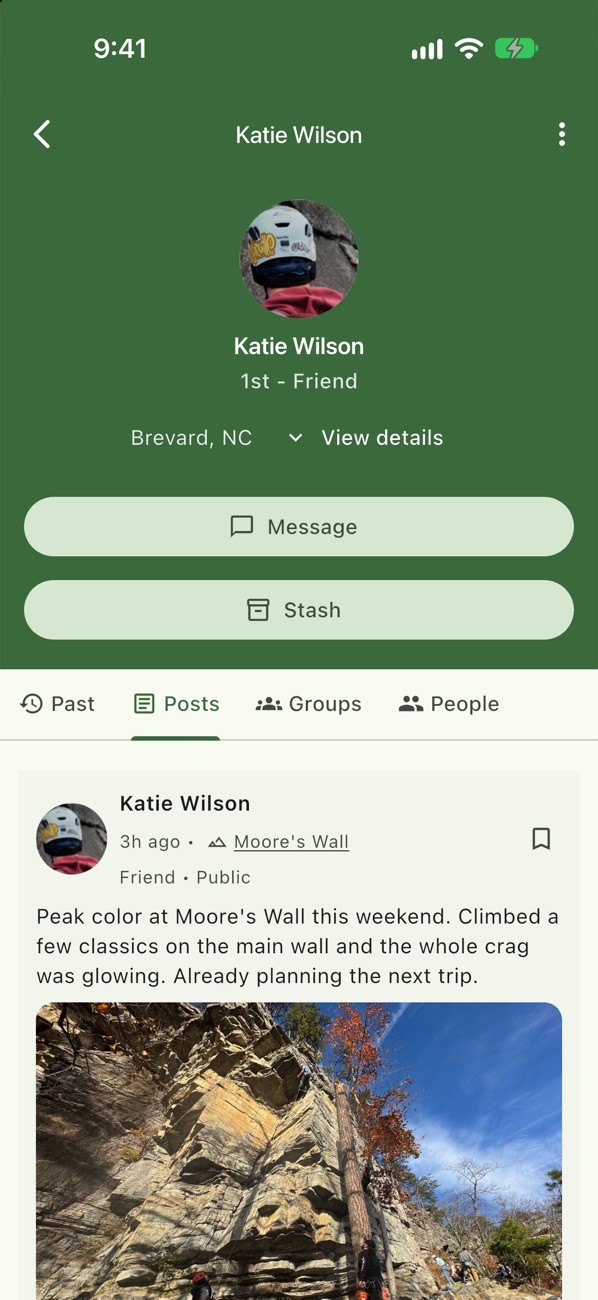
A friend's profile
Message them, open their Stash, and see their posts.
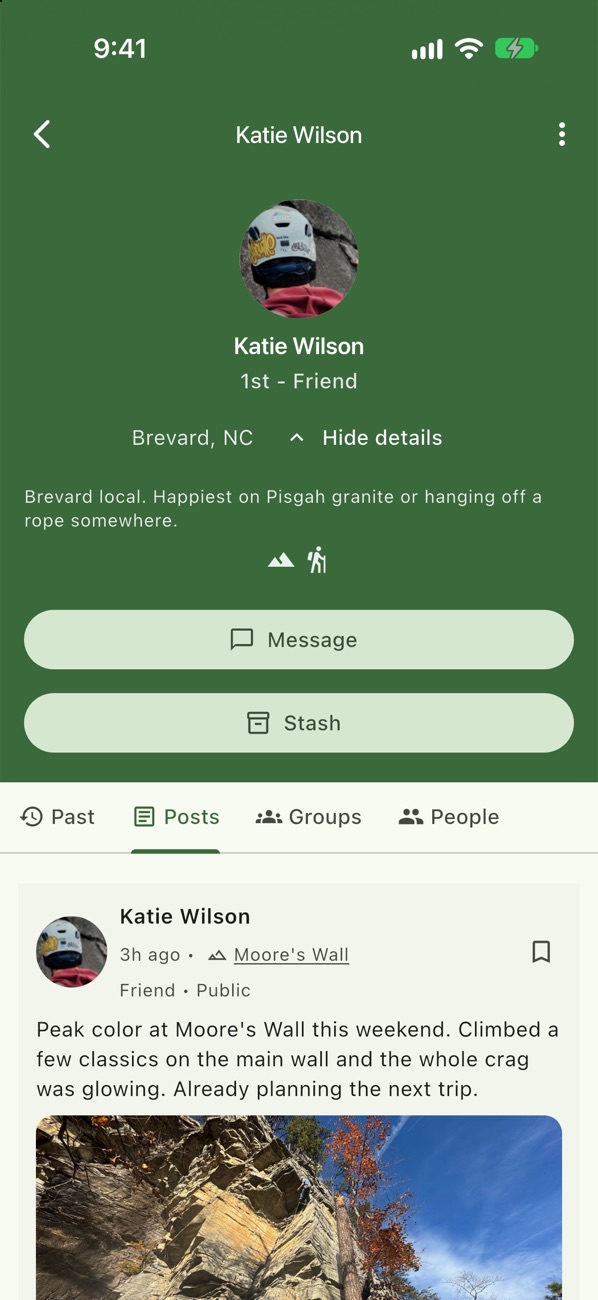
Bio and activities
Tap View details for their bio and activities.
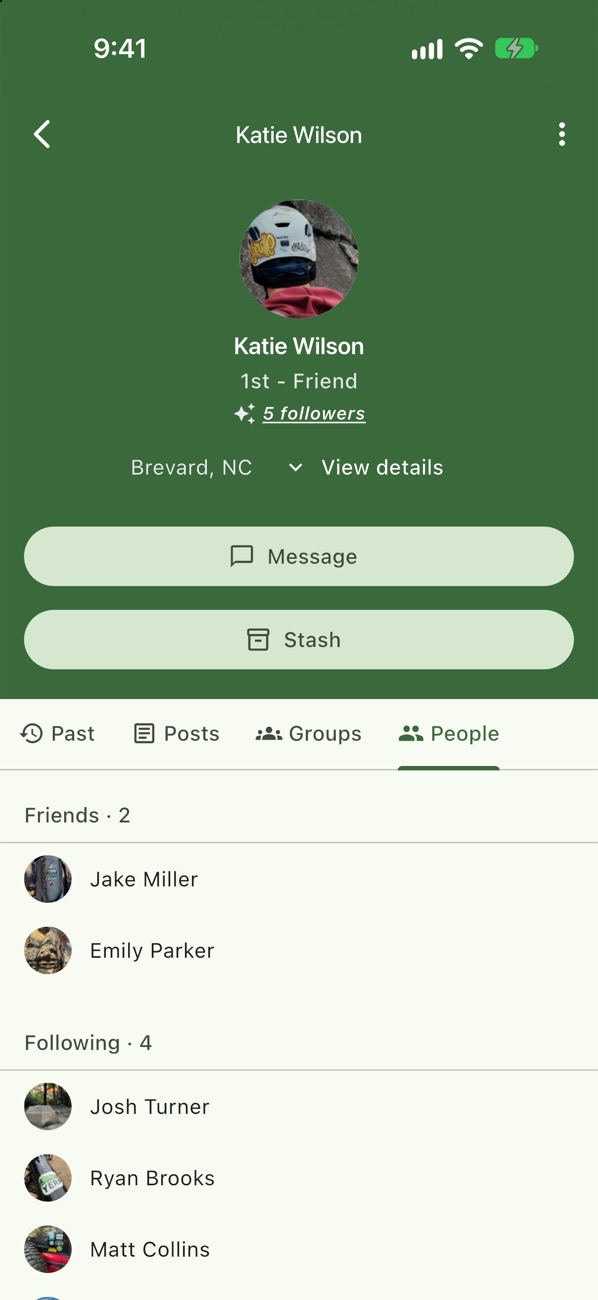
Friends and following
The People tab shows who they're friends with and who they follow.
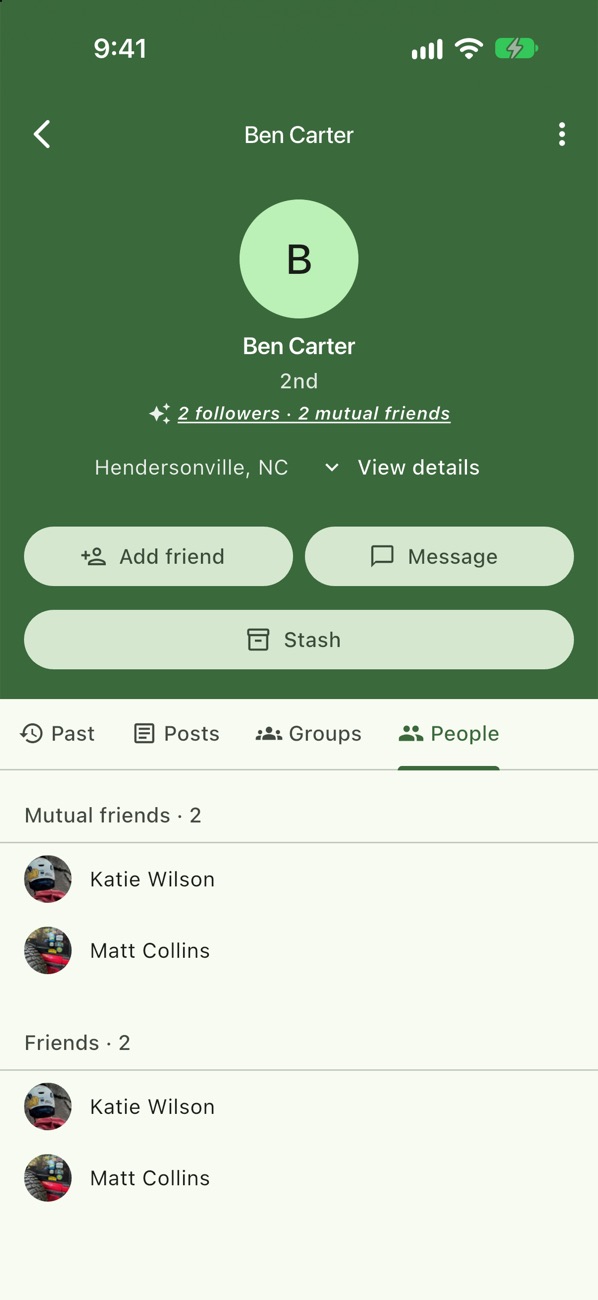
Add a friend
Someone new shows mutual friends and how you're connected: 1st, 2nd or 3rd+. Tap Add friend.
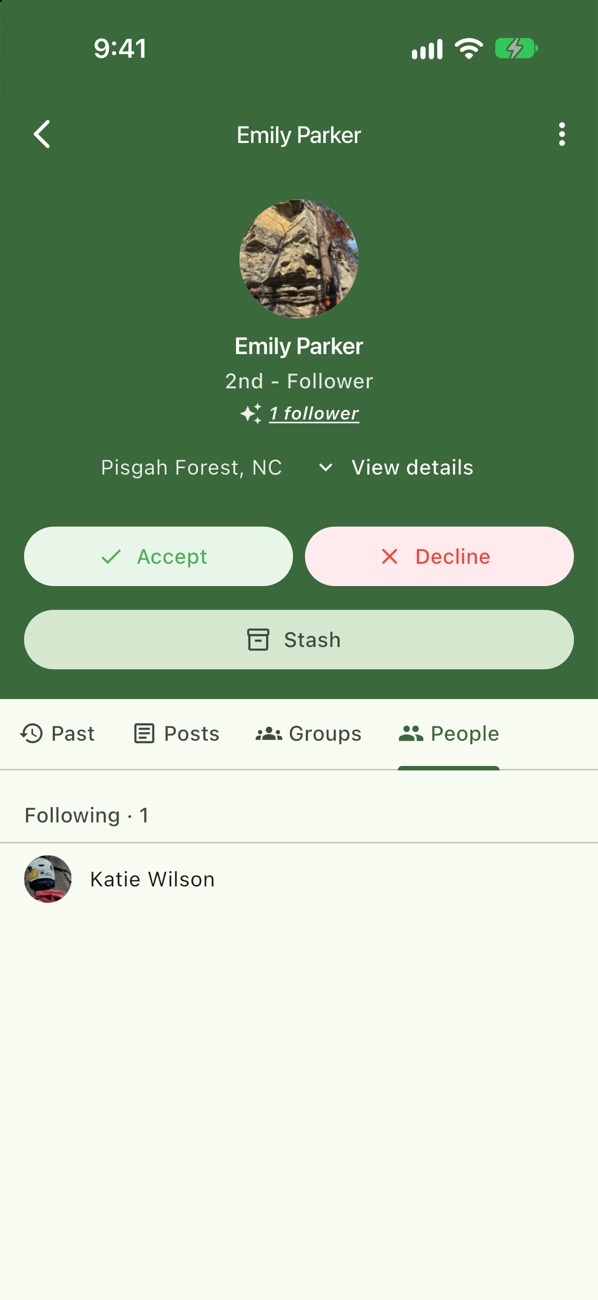
Accept a request
Accept or Decline from their profile.
Your own profile
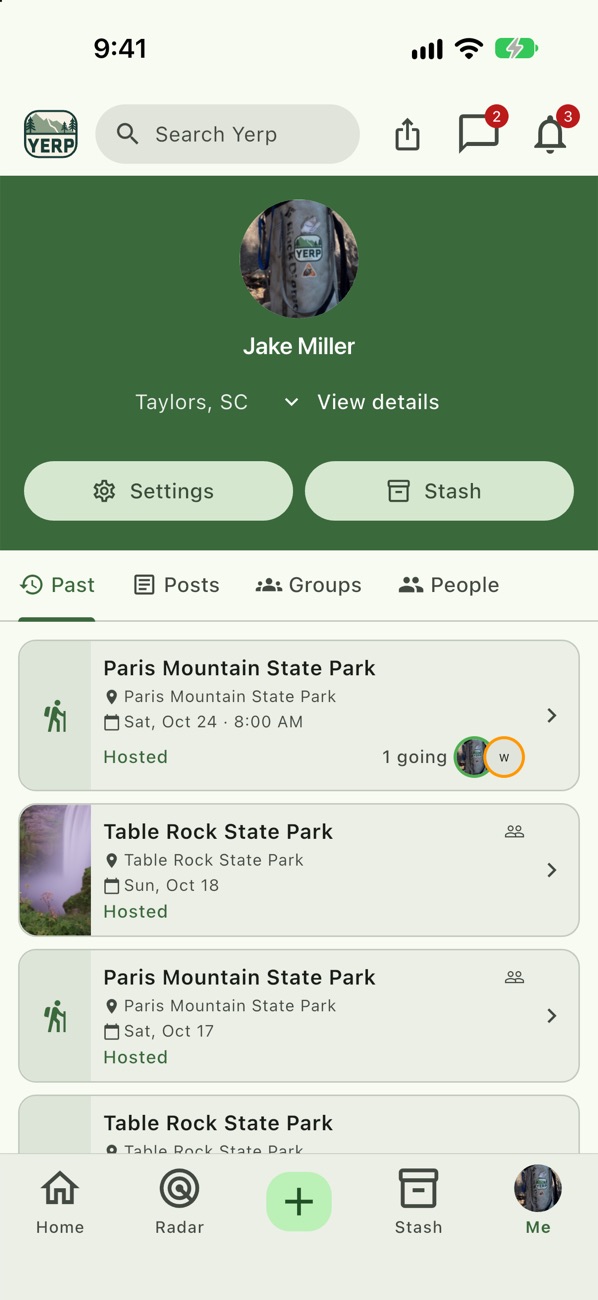
Your past plans, your Stash, and Settings.
Example
Emily and Katie become friends
- Emily Parker climbs with Katie Wilson twice.
- She opens Katie's profile and sees their mutual friends and the plans Katie has joined.
- She taps Add friend, and Katie accepts.
Good to know
- Block quietly. Blocking ends the friendship, hides you from each other, and removes them from plans and groups you host. They aren't told.
- Report and block in one step. The report sheet has Also block this person.
- Unblock anytime. Settings › Privacy & Safety › Blocked Users.