 YERP
‹ All guides
Search
Find places, plans, people and crews.
Tap Search Yerp at the top of any tab. One search covers everything.
Start a search
Before you type, you'll see activity and date chips and places nearby.
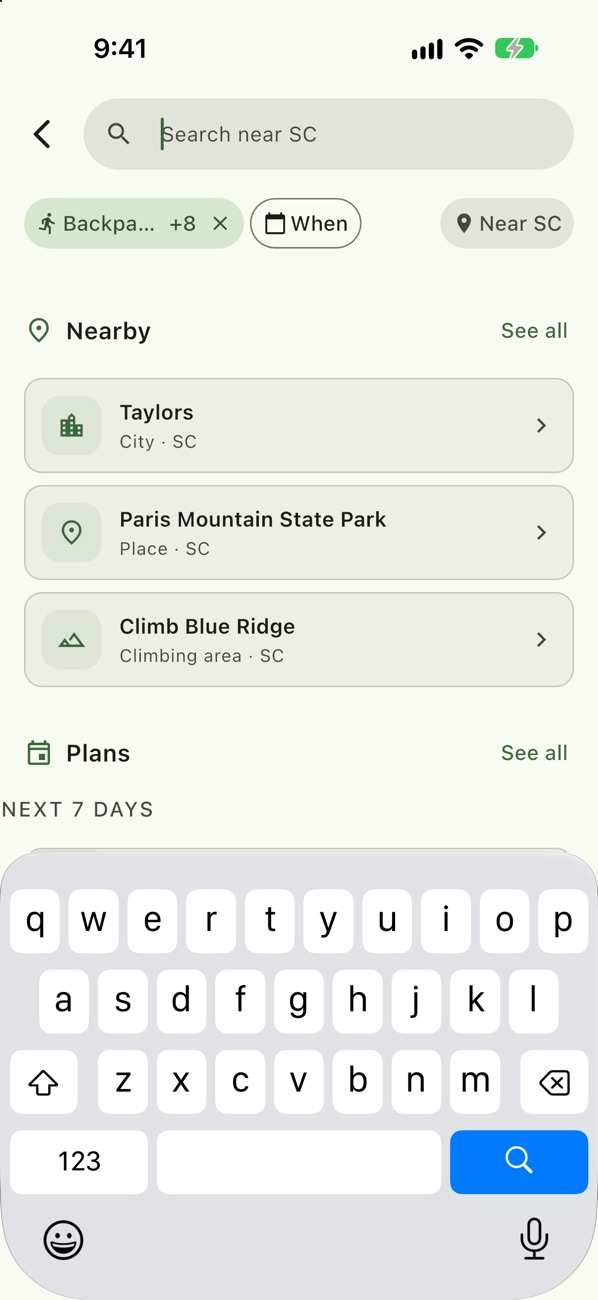
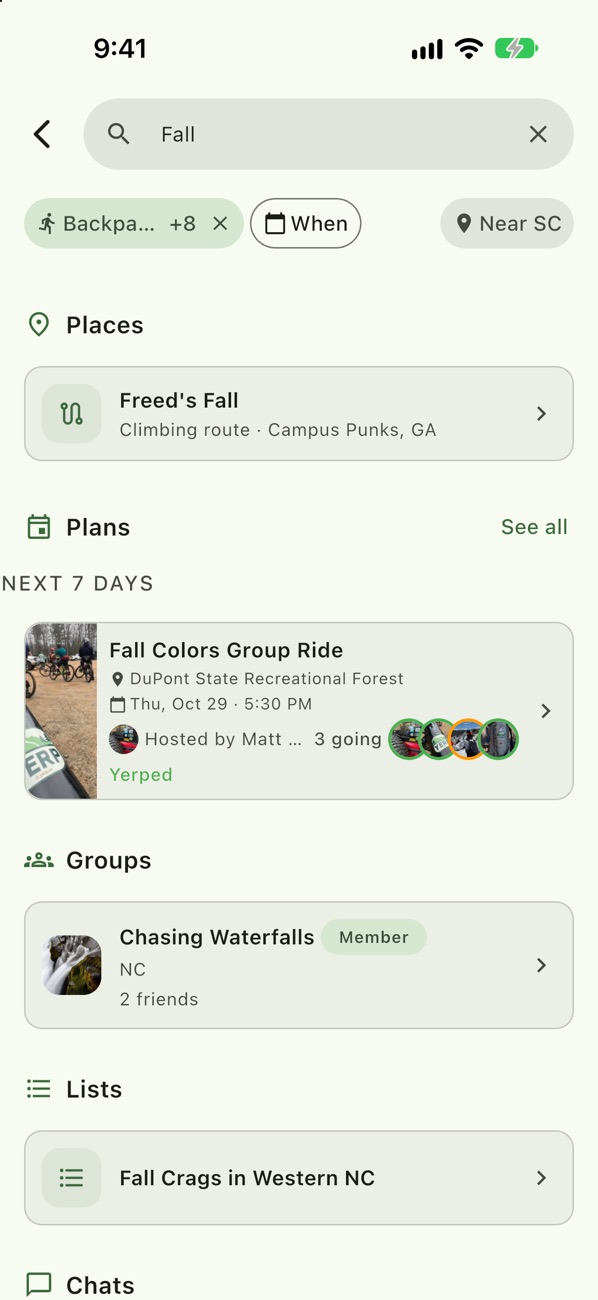
One search, every kind
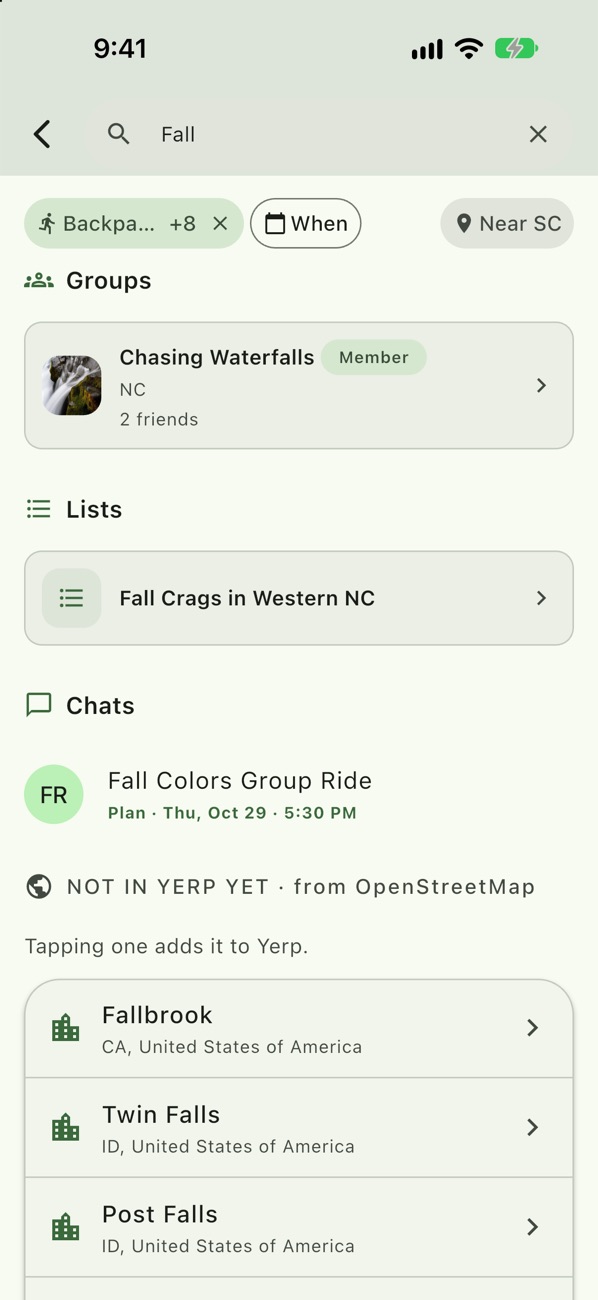
Results come back in rows: Places, In your Stash, Plans, People, Groups, Lists and Chats.
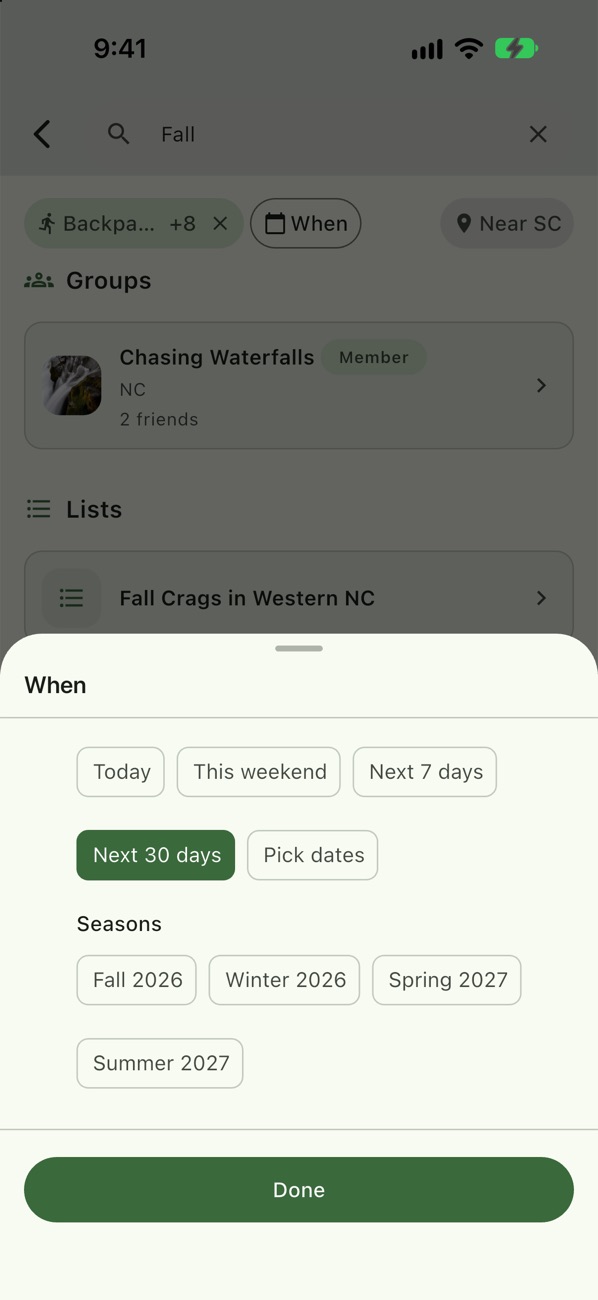
Narrow by when
Today, This weekend, Next 7 days, Next 30 days, a season, or pick dates.
Find people and chats
Search a name to find the person and the chats you share.
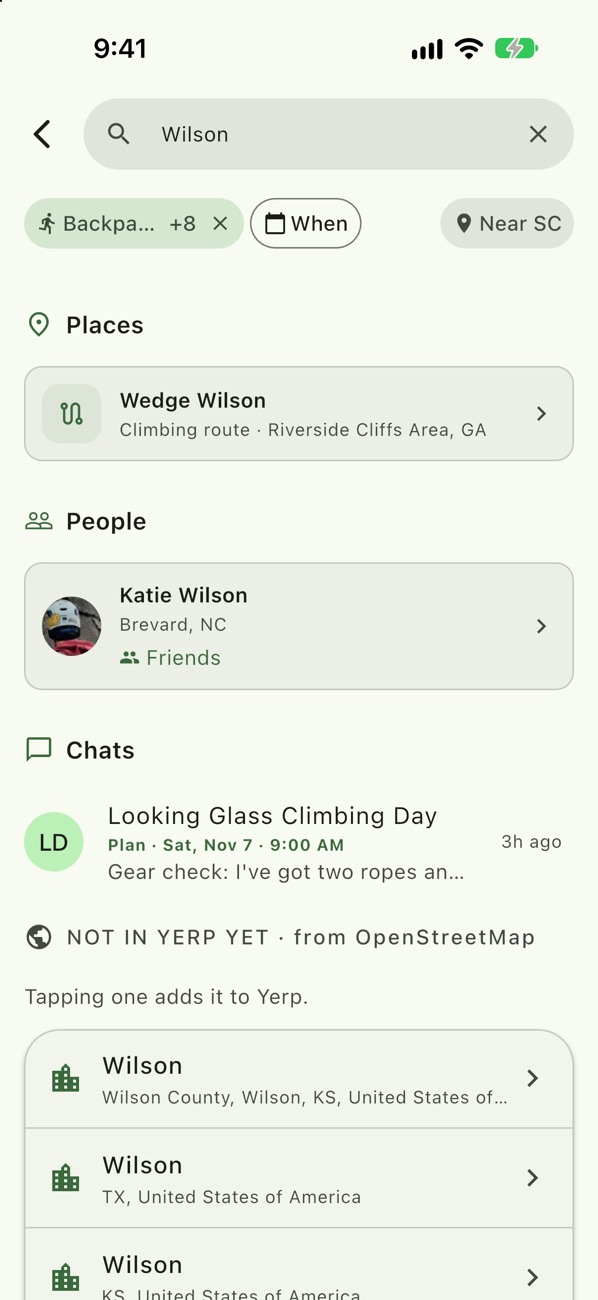
Look beyond Yerp
Can't find a spot? Search map data, and tapping a result adds it to Yerp.
Example
Sarah finds a weekend hike
- Sarah Thompson searches "Graveyard Fields" with Hiking and This weekend.
- She sees the place and two open plans for Saturday.
- She taps Watch on one to read the chat before she commits.
Good to know
- Dates narrow the kinds. Picking a date shows only time-based results. Clear it to see people, groups and lists again.
- One kind at a time. Tap a row label to see only that kind. Show all kinds brings everything back.
- Browse lists by state. Find curated lists for where you're headed.