 YERP
‹ All guides
Groups
Crews that plan together.
A group is a standing crew: your Tuesday ride, your climbing club, your camp-every-month friends. Plans, posts, places and lists in one spot.
A home for your crew
Tabs for Posts, Details, Plans, Past, People, Places and Lists.
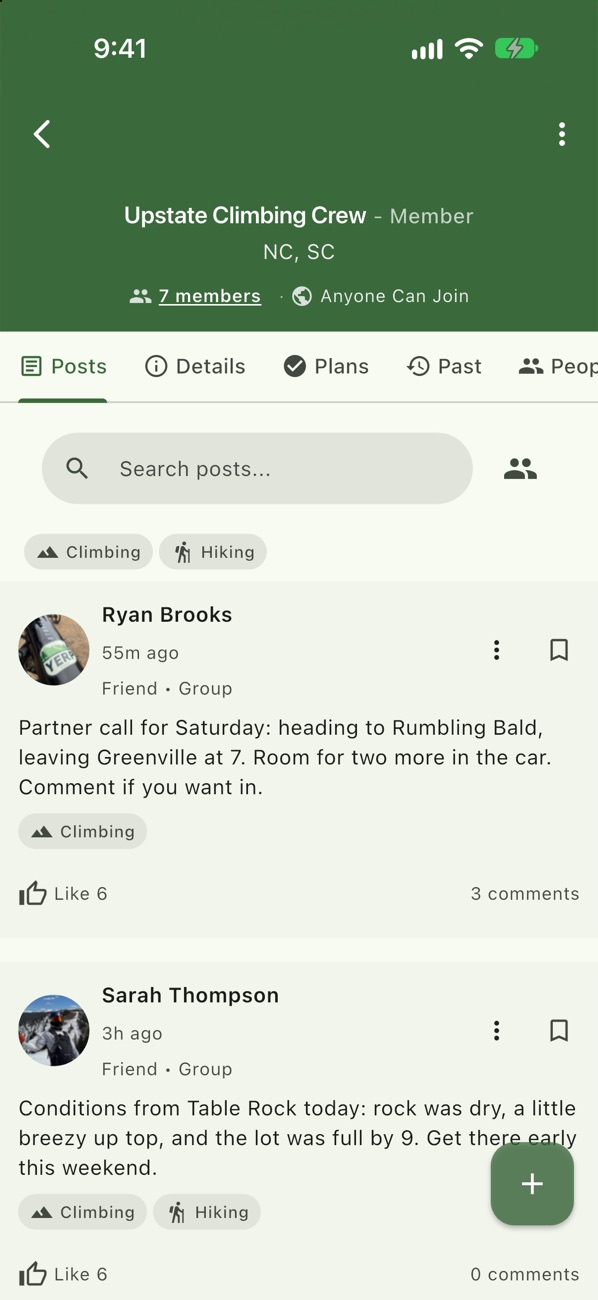
Partner calls
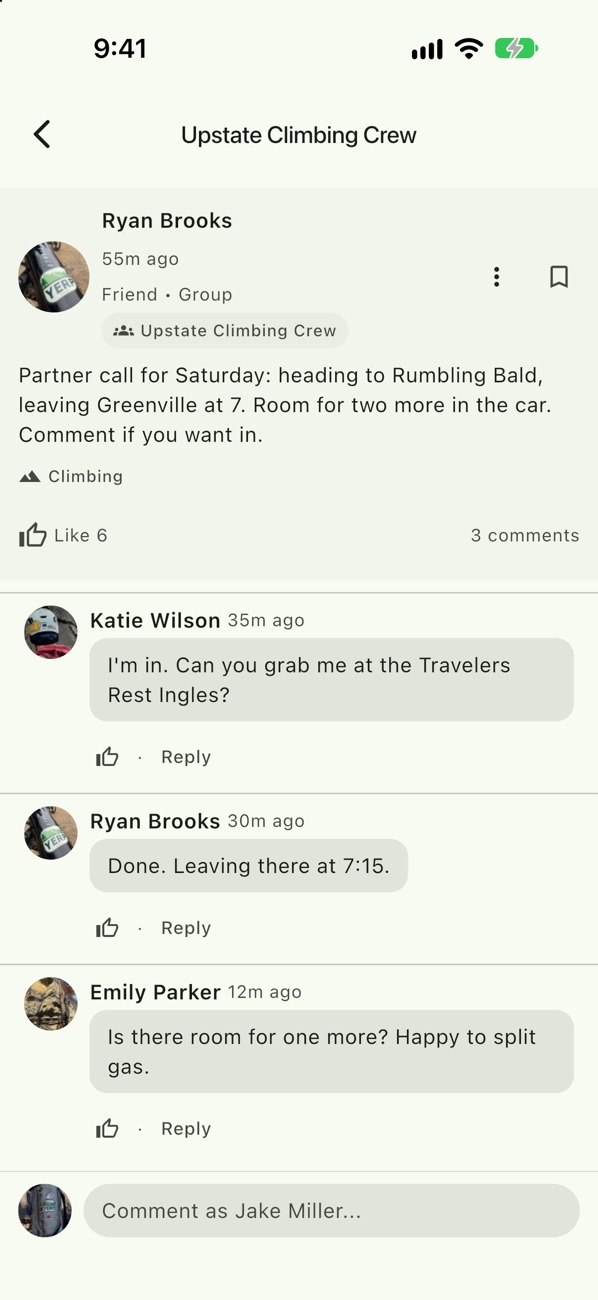
Post to the group and sort rides and seats in the replies.
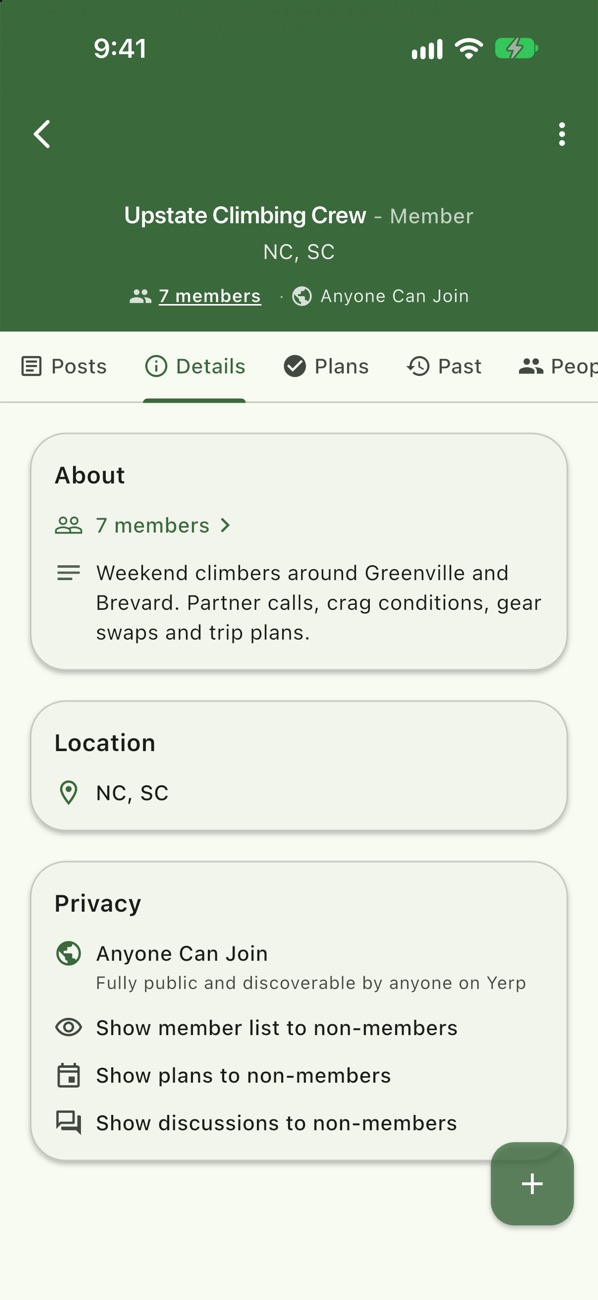
Set how people join
Anyone Can Join, Request to Join, or Invite Only. Decide whether non-members can see plans, discussions and the member list.
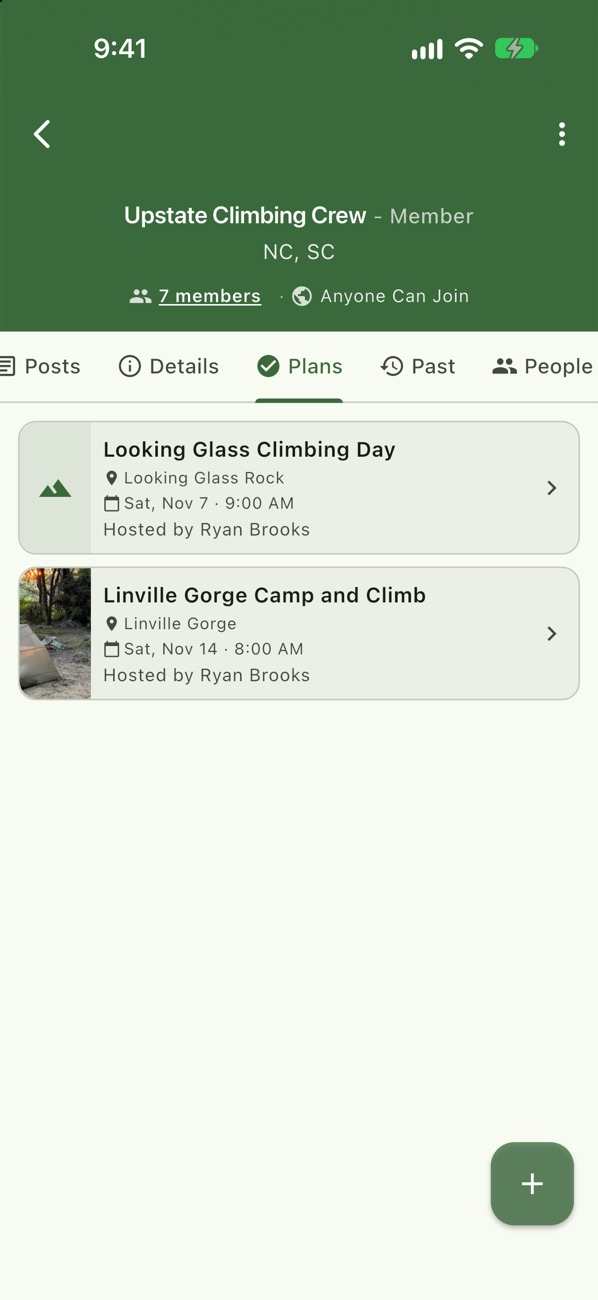
Group plans
Open a plan to the group and members can join.
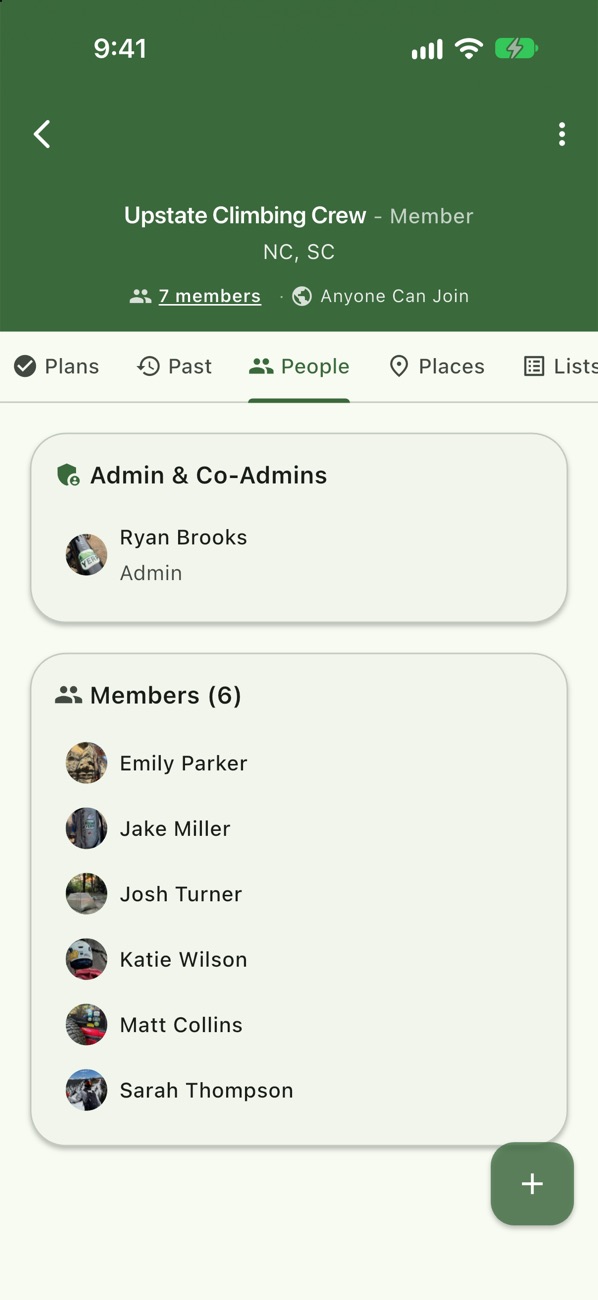
Run it together
Make admins, transfer ownership, or remove members.
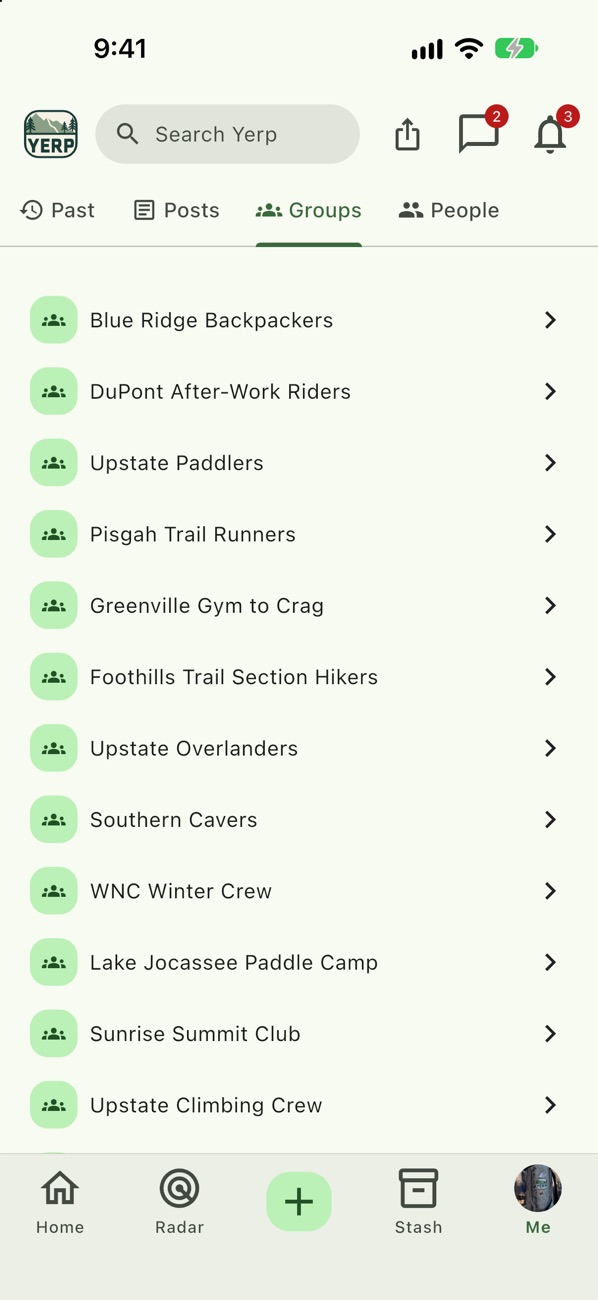
All your crews
Every group you belong to, in one list.
Example
Emily joins a crew
- Emily Parker finds Upstate Climbing Crew in Search. It's set to Request to Join.
- She requests to join and an admin approves her.
- The crew posts a plan for Saturday open to the group, and Emily Yerps.
Good to know
- Pin what matters. Admins can pin up to 5 posts to the top.
- Search the group. Search a group's posts, or filter to members or attendees.
- Where members are. Once a group has 5 members, the Places tab shows a map of where members are, next to the group's home bases.