 YERP
Plans
Make the plan. See who's in.
A plan is a trip with a when, a where and a crew. People answer Yerp, Watch or Nerp, so you always know who's coming.

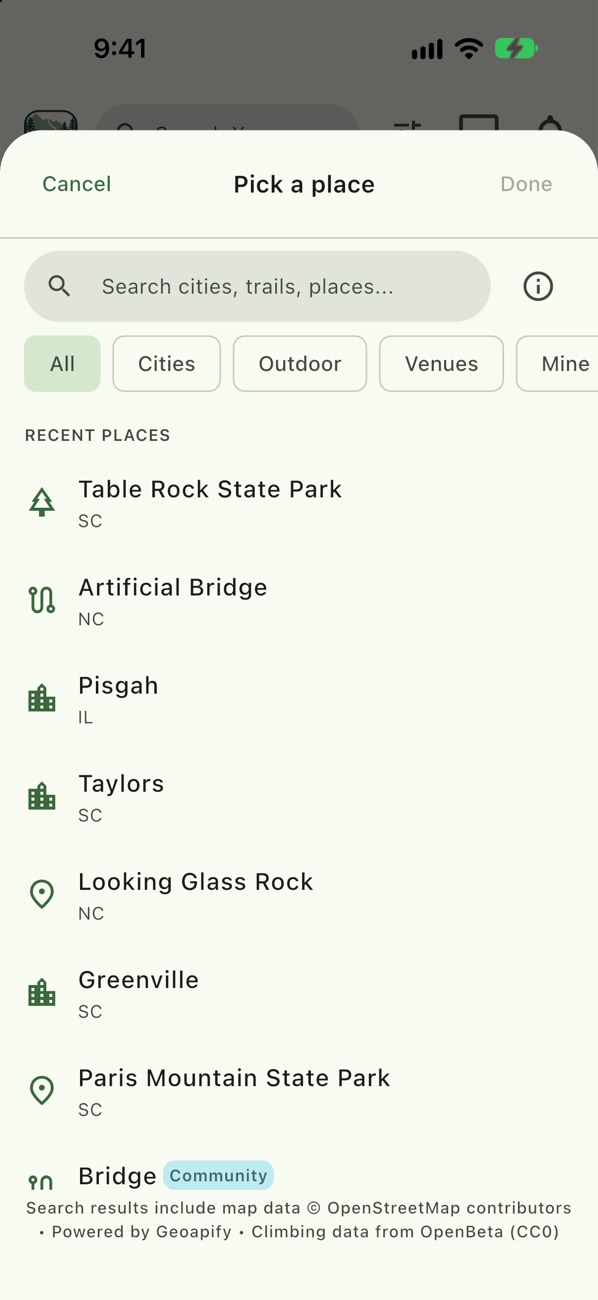
Pick a place
Tap + then Plan. Search for the crag, trail, lake or town.
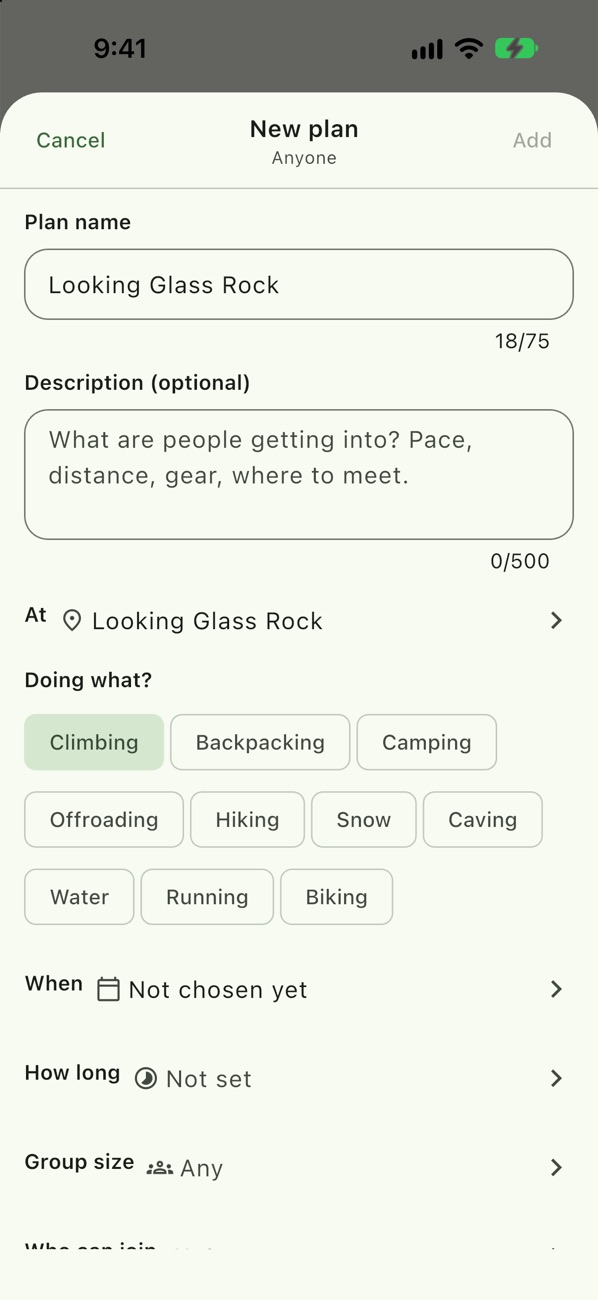
Pick the activity
Choose what you're doing. Some activities add their own details, like Bringing Gear and Rope Length for climbing.
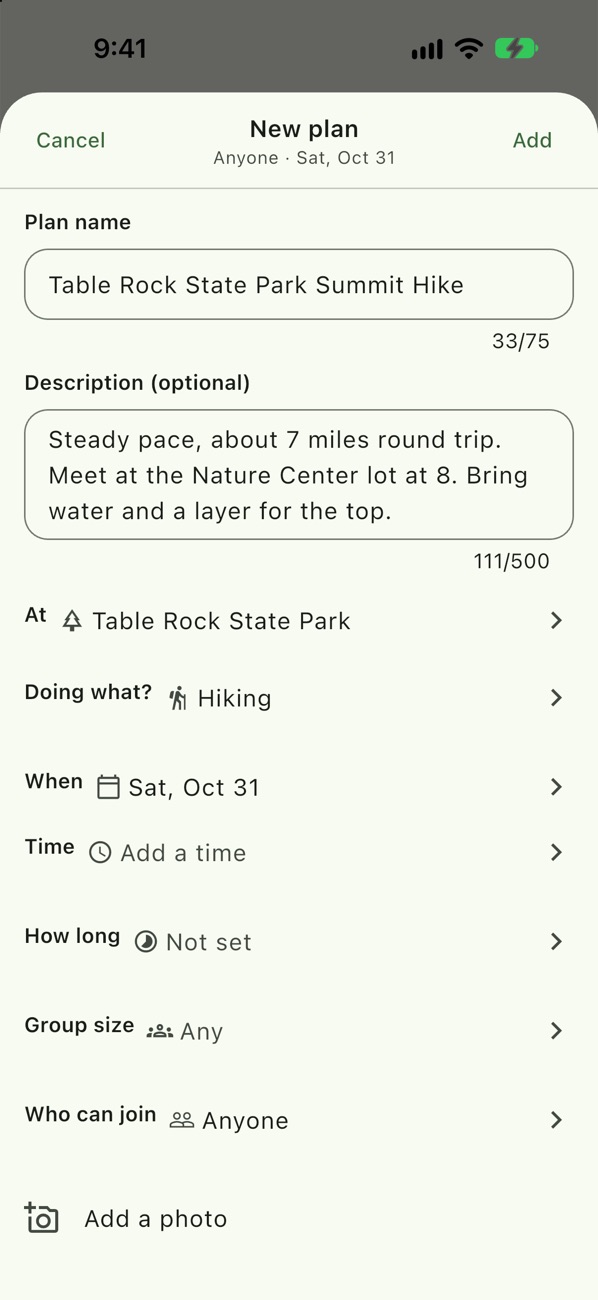
Fill in the basics
Name it, describe it, set the group size from 2 to 50 or Any, how long it runs, and add a photo.
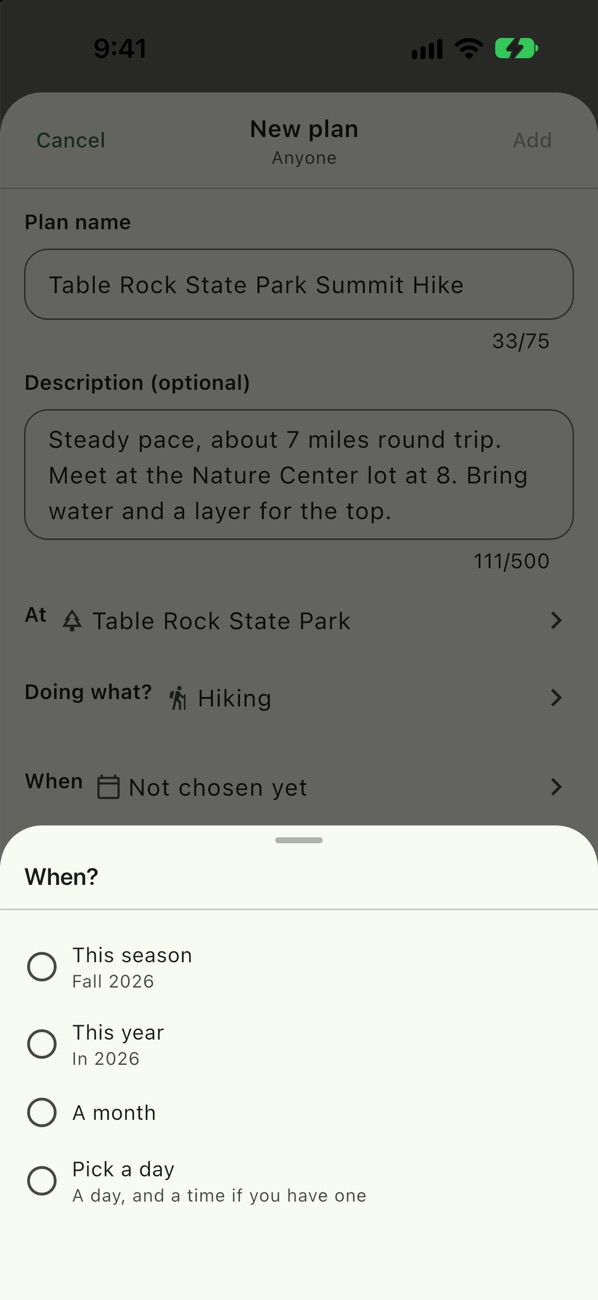
Start loose on when
Pick This season, This year, A month, or an exact day. Add a time once you know it.
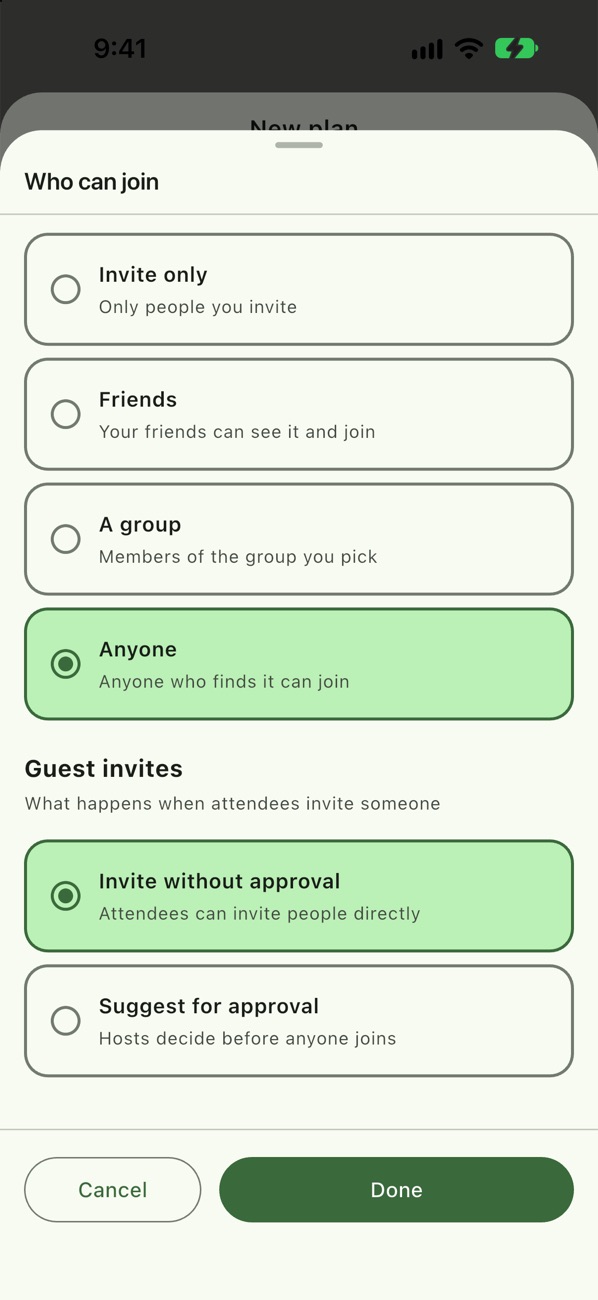
Choose who can join
Anyone (the default), Friends, a group, or Invite only. Under Guest invites, choose whether guests can invite people directly or suggest them for your approval.
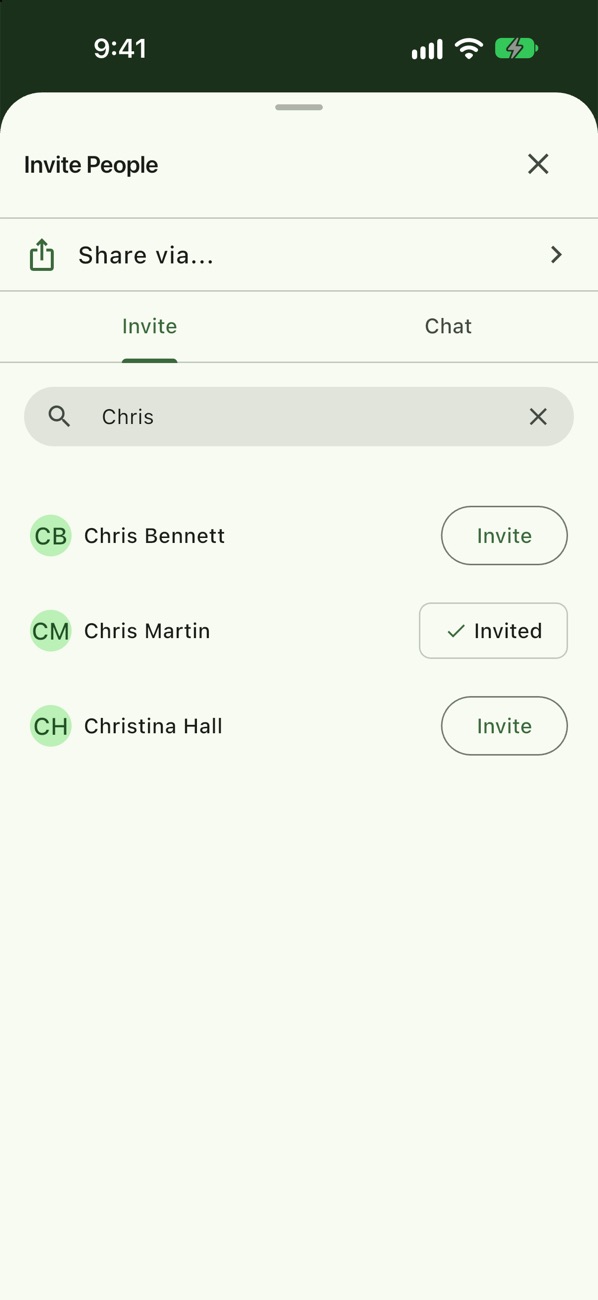
Invite your people
Search your friends and send invites.
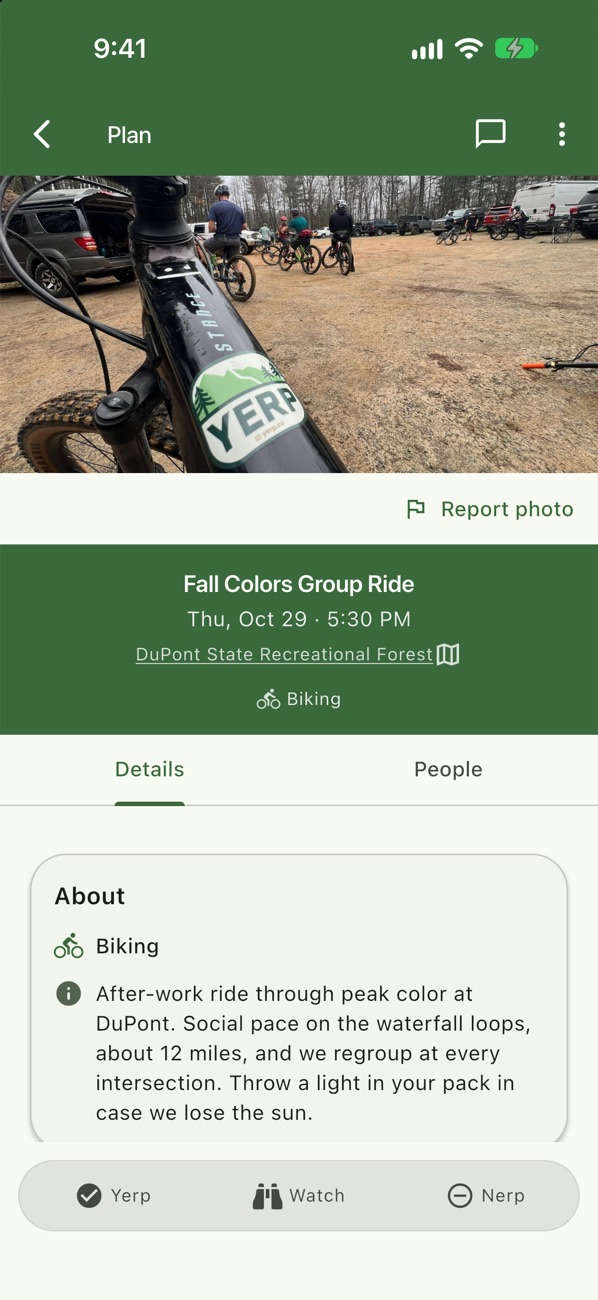
Yerp, Watch or Nerp
Yerp means I'm coming. Watch means I'm interested and want to follow the chat. Nerp is a polite no, and you can stay in the chat.
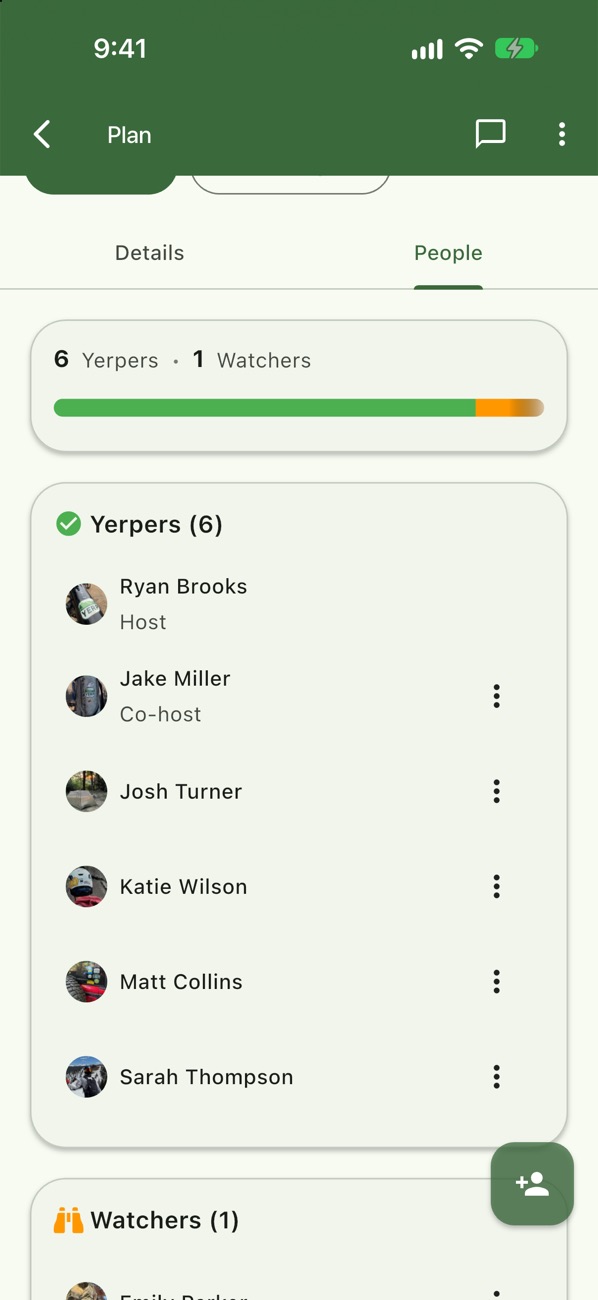
See who's in
The People tab groups everyone by response, with the host and co-hosts on top.
Ryan plans a day at Looking Glass
- Ryan Brooks taps +, then Plan, and picks Looking Glass Rock for Sat, Nov 7 at 9:00 AM.
- Ryan switches it to Invite only and invites the crew.
- Jake Miller, Josh Turner, Katie Wilson, Matt Collins and Sarah Thompson Yerp. That makes six going.
- Ryan makes Jake a co-host. Emily Parker taps Watch and still sees the chat.
Good to know
- Copy plan. Rerun a trip from the plan's menu and re-invite the people who came last time.
- Combine plans. Two of you planned the same thing? Combine them. The other host becomes a co-host and everyone lands in one chat.
- Share the hosting. Make anyone going a co-host, or transfer host.
- Full plans. When every spot is taken, people see "All spots are Yerped. Watch for an opening."
- Log it after. Once the day passes, the plan waits in Stash under Waiting to be logged.