 YERP
‹ All guides
Plan chat
Sort the details in one chat.
Every plan has its own chat. Yerp or Watch and you're in. The details live next to the plan, not lost in a group text.
One chat per plan
Yerp or Watch a plan and you join its chat. Nerp keeps you in unless you leave.
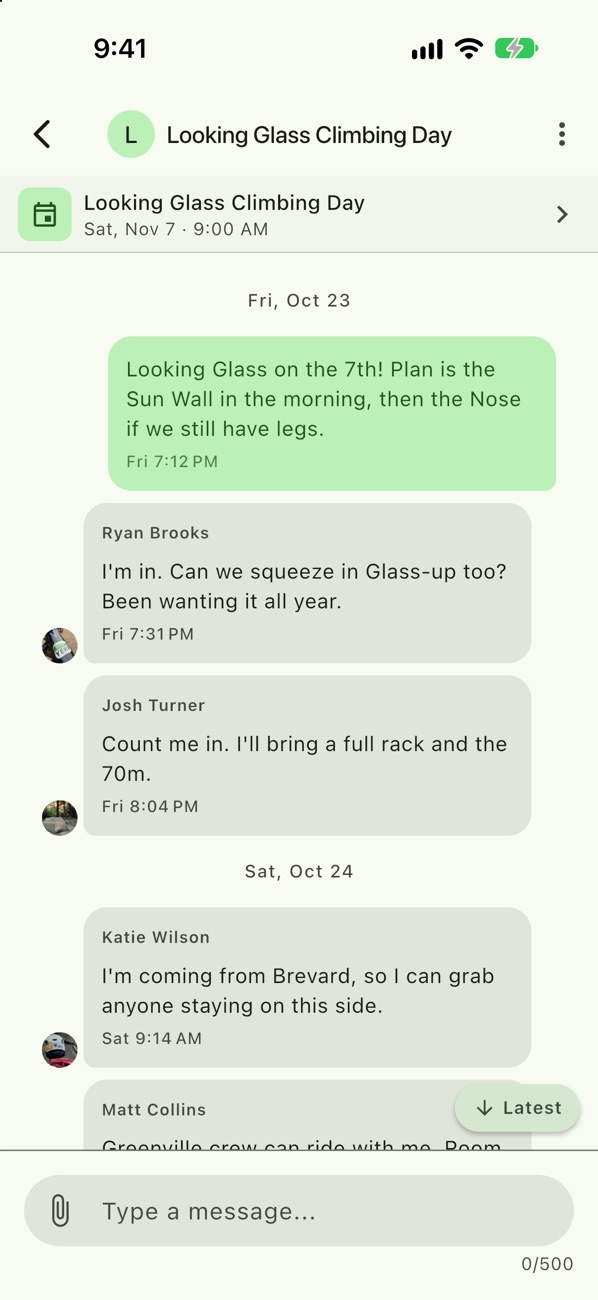
Sort the details
Gear, carpools, the forecast, where to eat after. It all stays with the plan.
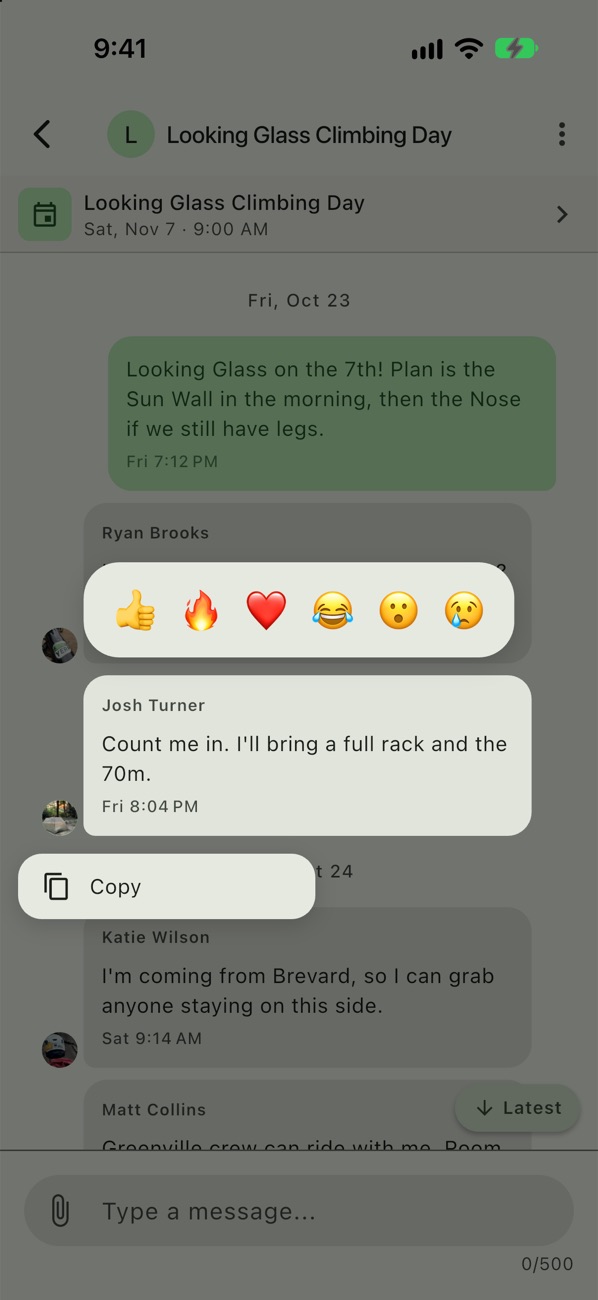
React
Long-press a message to react, copy, edit or delete.
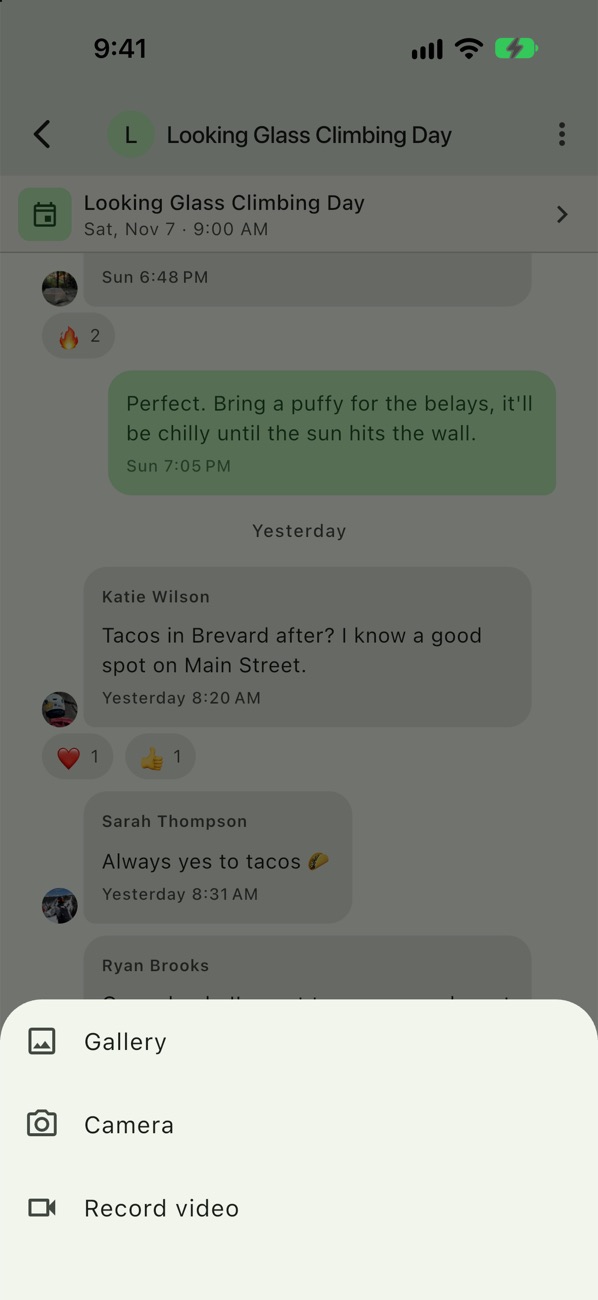
Share photos and video
Pick from your gallery, take a photo, or record a video.
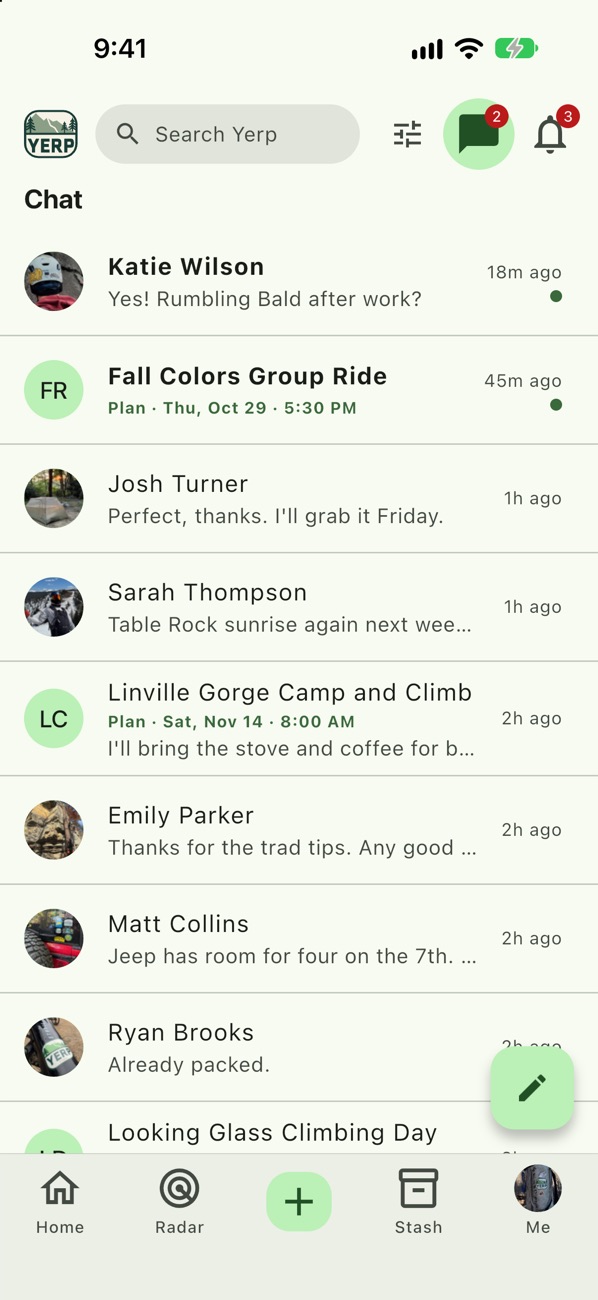
All your chats
Plan chats, direct messages and group chats live in one list. Tap New chat to start one.
Example
The Looking Glass chat
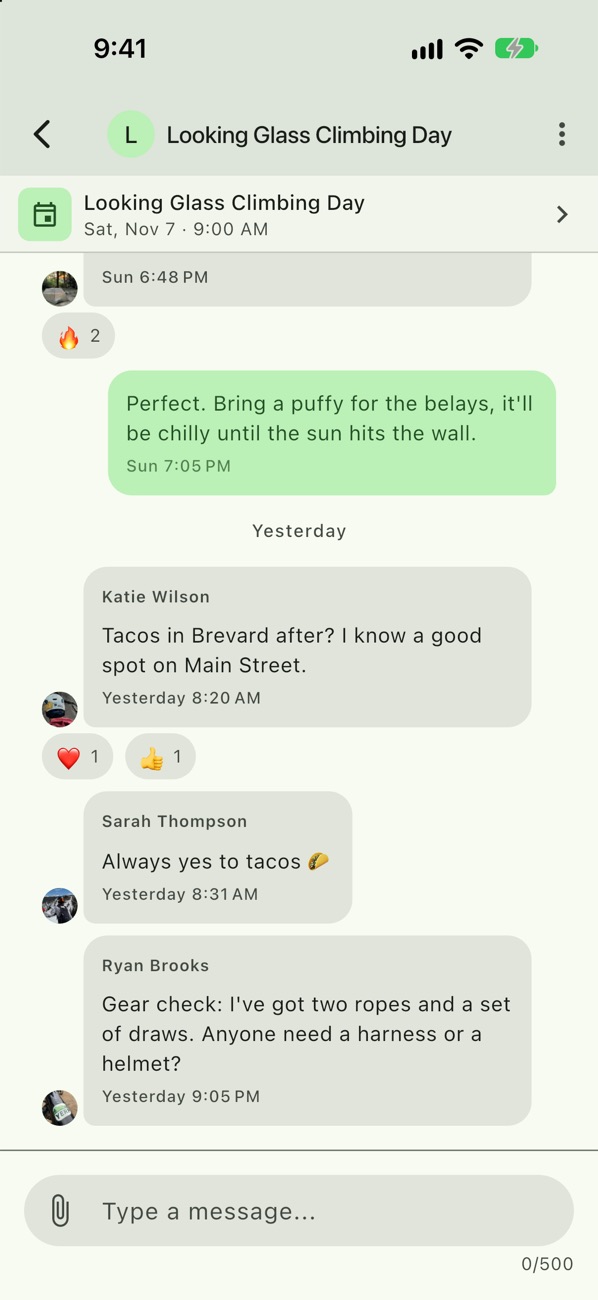
- Josh Turner posts the forecast: sunny and 58.
- Jake Miller says to bring a puffy for the belays.
- Katie Wilson suggests tacos in Brevard after, and two people react.
- Ryan Brooks asks if anyone needs a harness.
Good to know
- Late joiners can catch up. Someone who joins late sees messages from when they joined. The host can share earlier history: 1 day, 1 week or All.
- No signal? Messages you write offline send when you're back online.
- Filter your chats. Show All, Direct or Groups, or Unread only.
- Copy the details. Long-press a link, email or phone number to copy it.