 YERP
‹ All guides
Home feed
See what your crew is up to.
Home is where people share what they did and what's coming up. Sends, summits, conditions and trip photos.
See your crew's posts
Posts for your area and activities, from friends, your groups and the wider community, including partner calls.
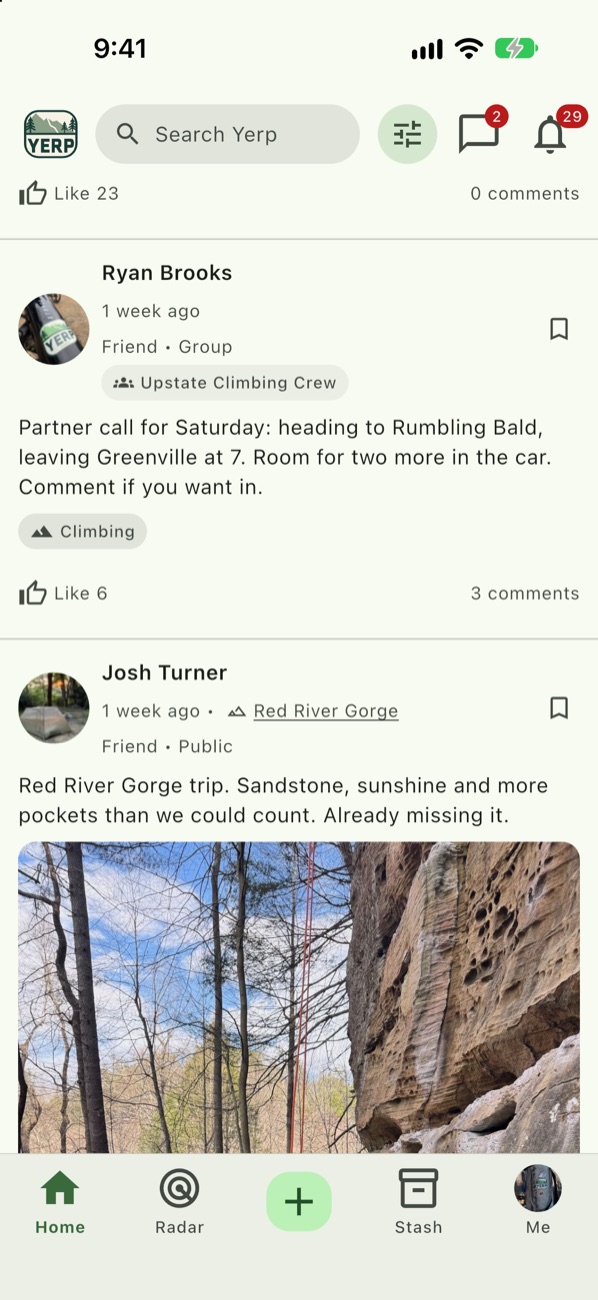
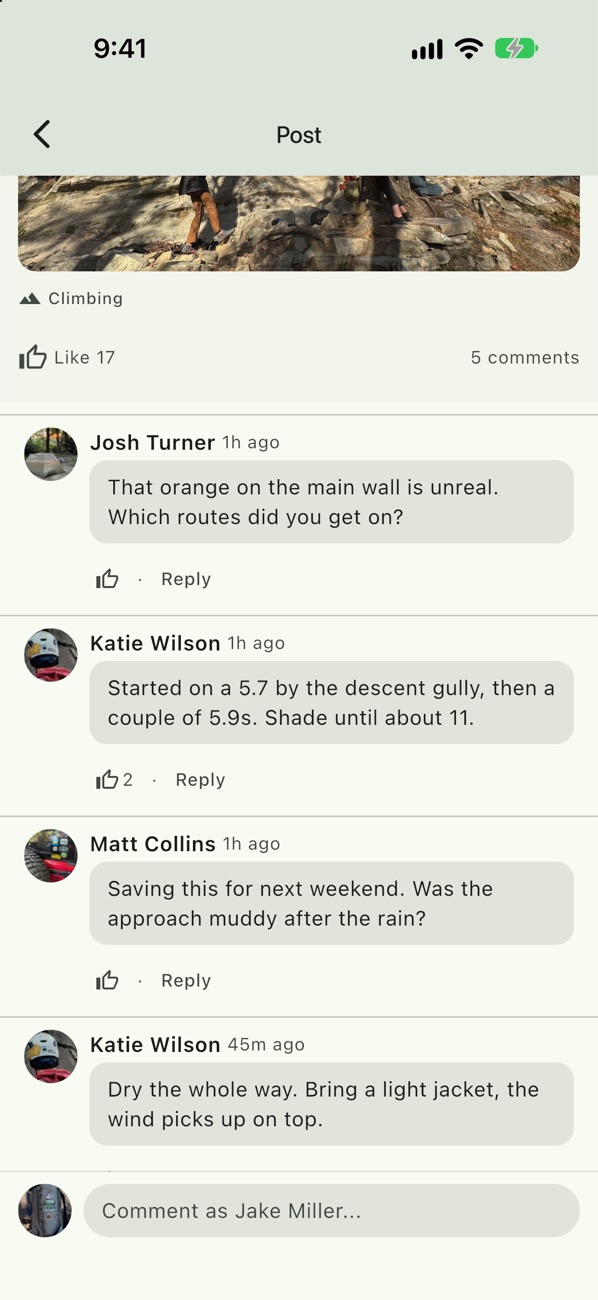
Talk it over
React, comment, and Save posts to find later. Comments are great for route beta and conditions.
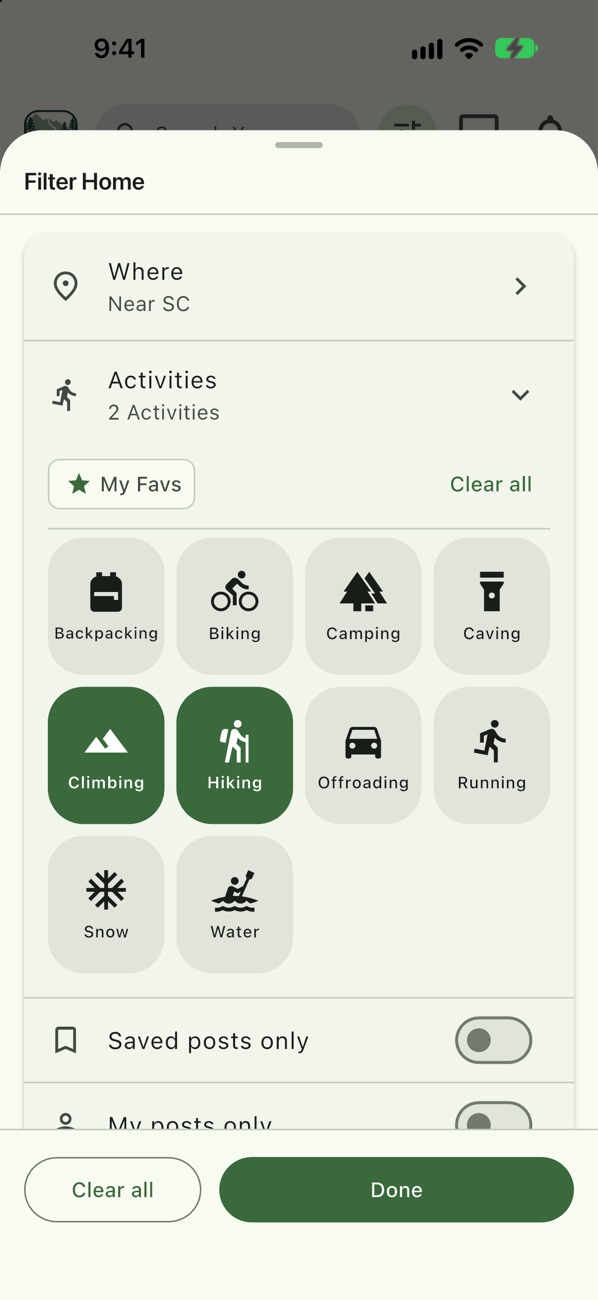
Filter Home
Filter by where and by activities, or show only saved posts or your own.
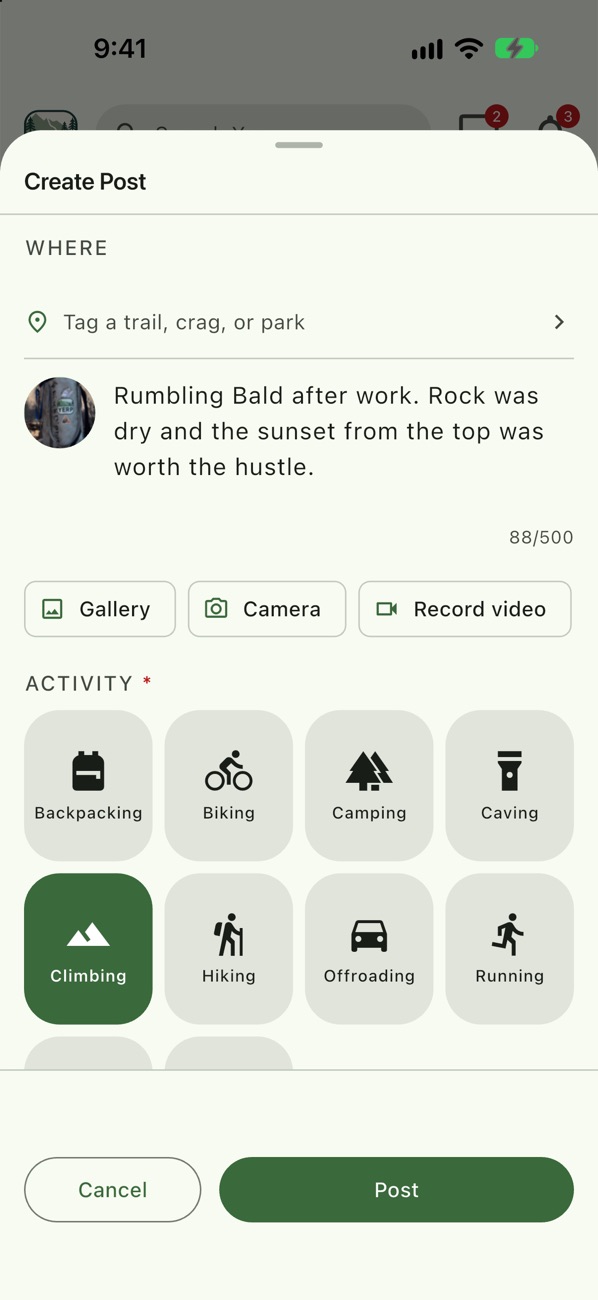
Post your day
Add photos or video, tag a place and an activity, @mention people, or attach a plan so others can join. Share it Public, Friends only, or with a group.
Example
Katie posts from Moore's Wall
- Katie Wilson posts after a day at Moore's Wall, with a photo of the main wall in peak color.
- She tags Climbing, adds the place and posts it Public.
- Ryan Brooks comments and Saves it for his next trip.
Good to know
- Attach a plan. "Join us Saturday" with the plan attached lets people Yerp right from Home.
- Friends first. @mention suggestions list your friends first.
- See who reacted. Open the reaction picker to see who reacted.
- Stoke a post. Stoke a post to boost it so more people see it.